Menu
Courses
WEDOCOMPUTER CONTROLLED MACHINESCCM / 32

LEGO robotics + coding · Grade 3 · usually ages 8–11

WEDO / Computer Controlled Machines: Build a machine. Give it senses. Teach it what to do.

Across eight real-world robot missions, students turn LEGO Education WeDo mechanisms into responsive systems—then test, debug and improve every idea.

Inside the books + explore a robot in 3D

English-led classes · parent communication in English + Traditional Chinese

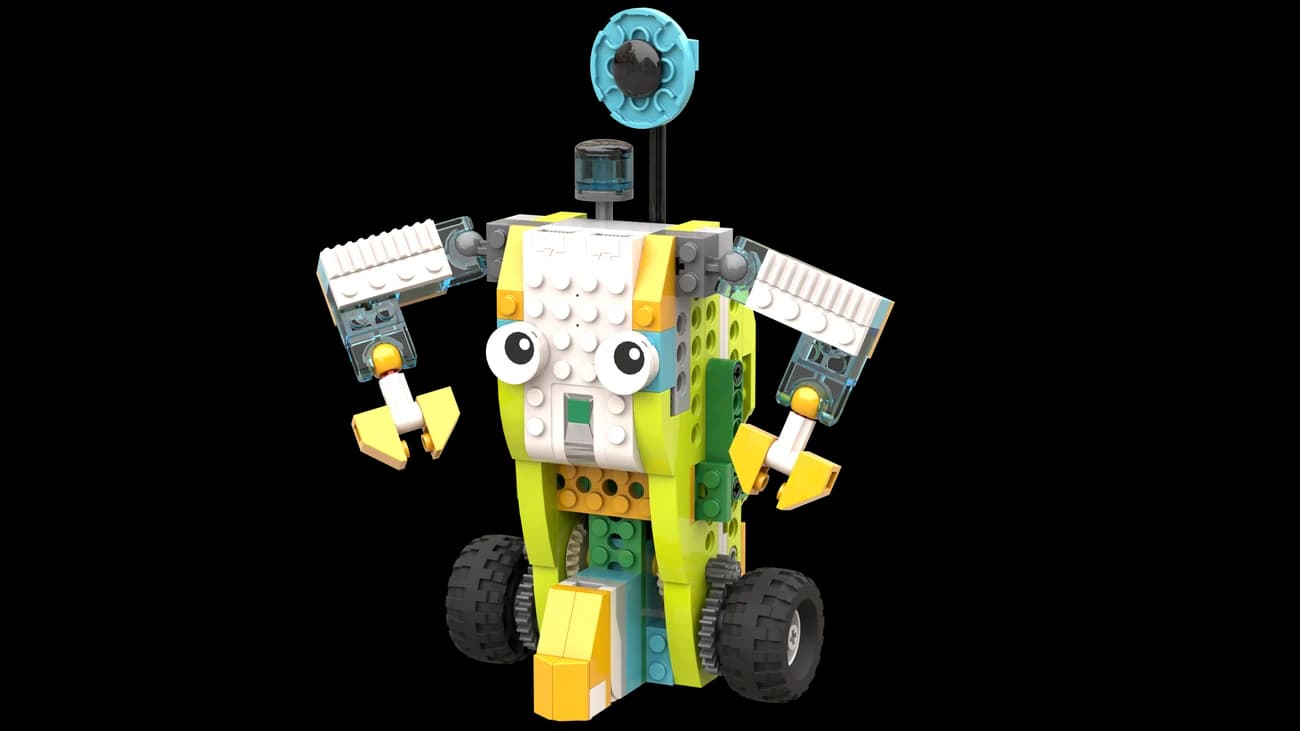
Original LEGO Education 45300 SmartBot model with a Smart Hub, motor and infrared sensor
LEGO Education / 45300SmartBot · an actual CCM course model
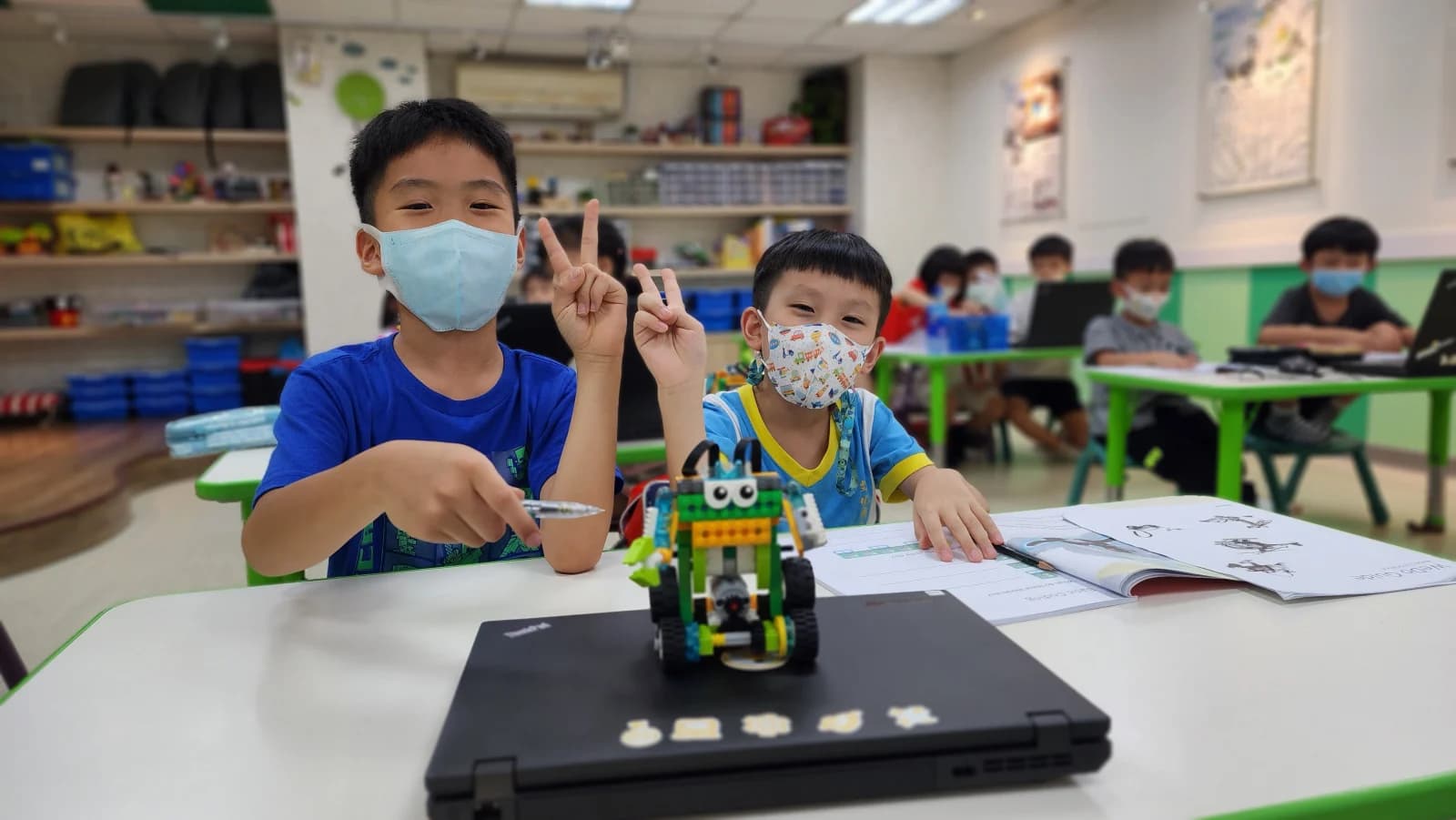
Two students with their completed WeDo 2.0 SmartBot and open CCM workbook
Made by our students
System / 0108

robot missions

System / 0232

connected lessons

System / 0304

engineering stages

System / 0410

students maximum

Why CCM

The robot is the visible result. The thinking inside it is the real achievement.

Every mission begins with a character, a real-world setting and a problem worth solving. That purpose connects the physical build to the program: a sensor gathers information, the code makes a decision and the mechanism carries it out.

More than a build: every mechanism has a purpose, the code controls its behaviour, and every test teaches students how to improve.
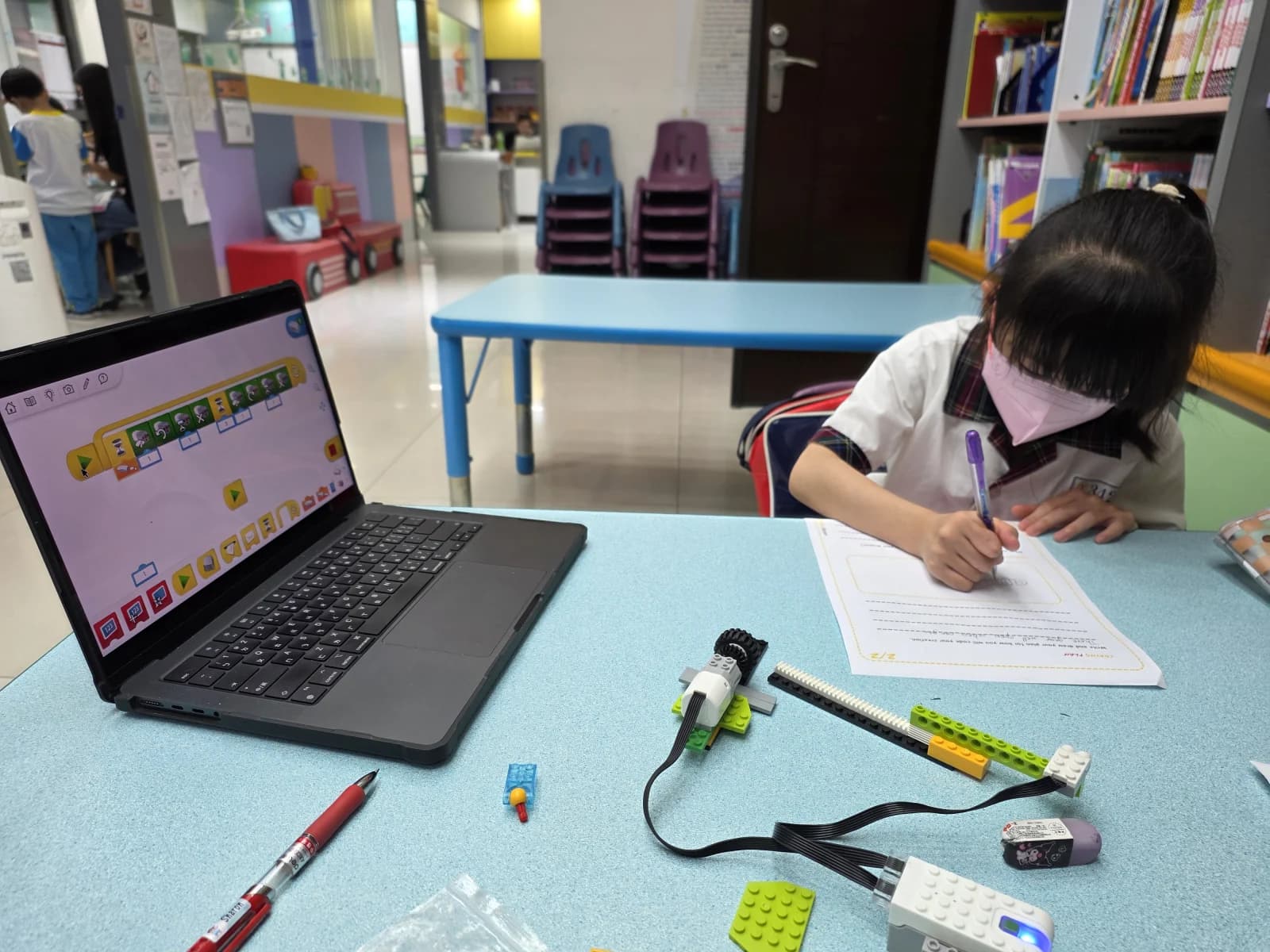
A student records a WeDo 2.0 programming test beside a laptop, motor, tilt sensor and illuminated Smart Hub
Code, test, record: the thinking is visible.
01Mechanism
Understand how the machine transfers force and motion.
02Logic
Turn a goal into a sequence, condition, loop or variable.
03Evidence
Test one change at a time and explain what worked.

The CCM operating cycle

A familiar four-stage rhythm. A completely new system every time.

The repeatable structure gives students confidence while the mechanism, sensor and coding challenge keep changing.

  1. 01

    Investigate

    Meet the character, context and problem.

  2. 02

    Build

    Turn gears, beams, belts and sensors into a mechanism.

  3. 03

    Code

    Write the logic that controls its behaviour.

  4. 04

    Test + improve

    Observe, debug, refine and explain.

Built around real resources

The book explains it. The build proves it.

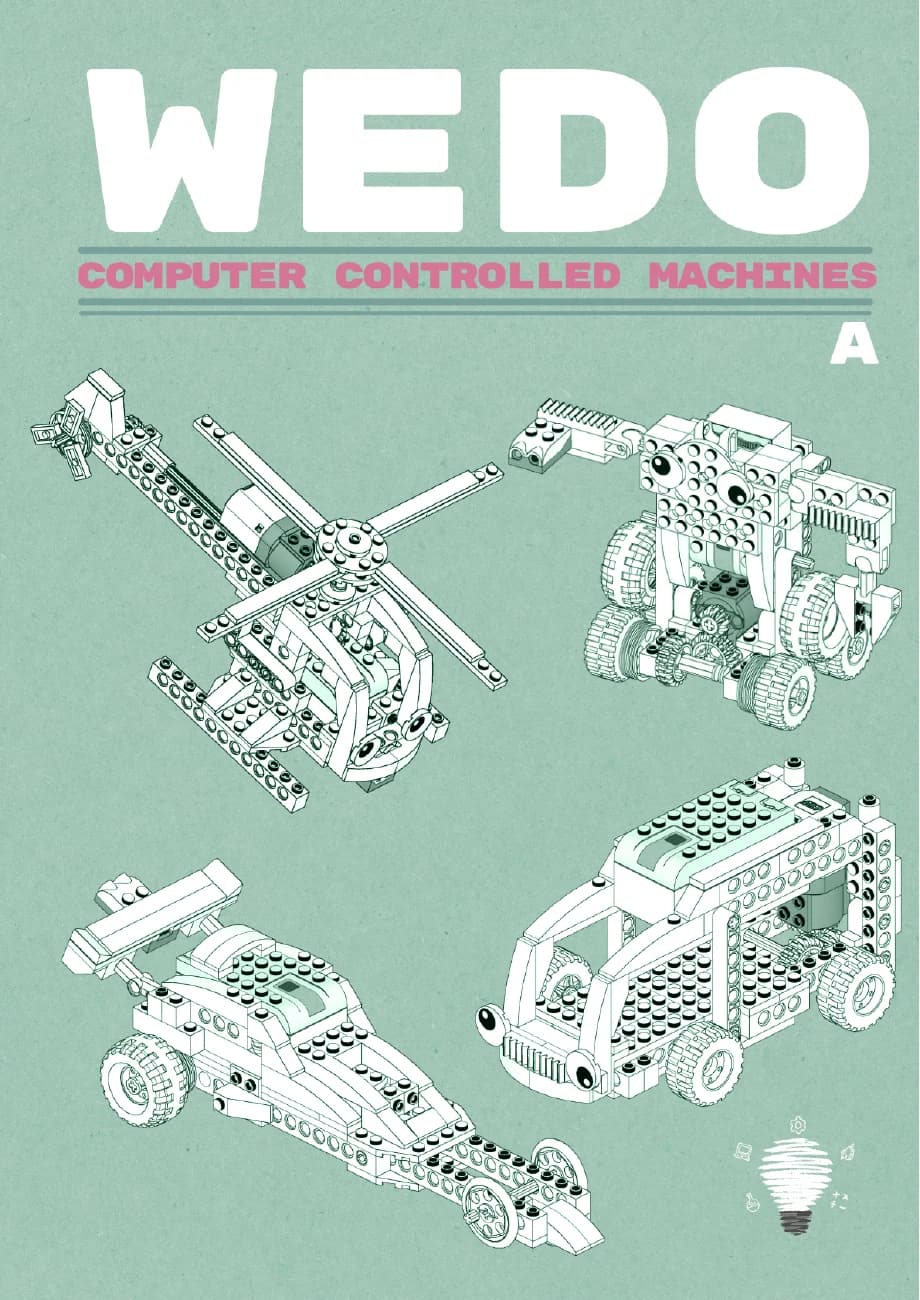
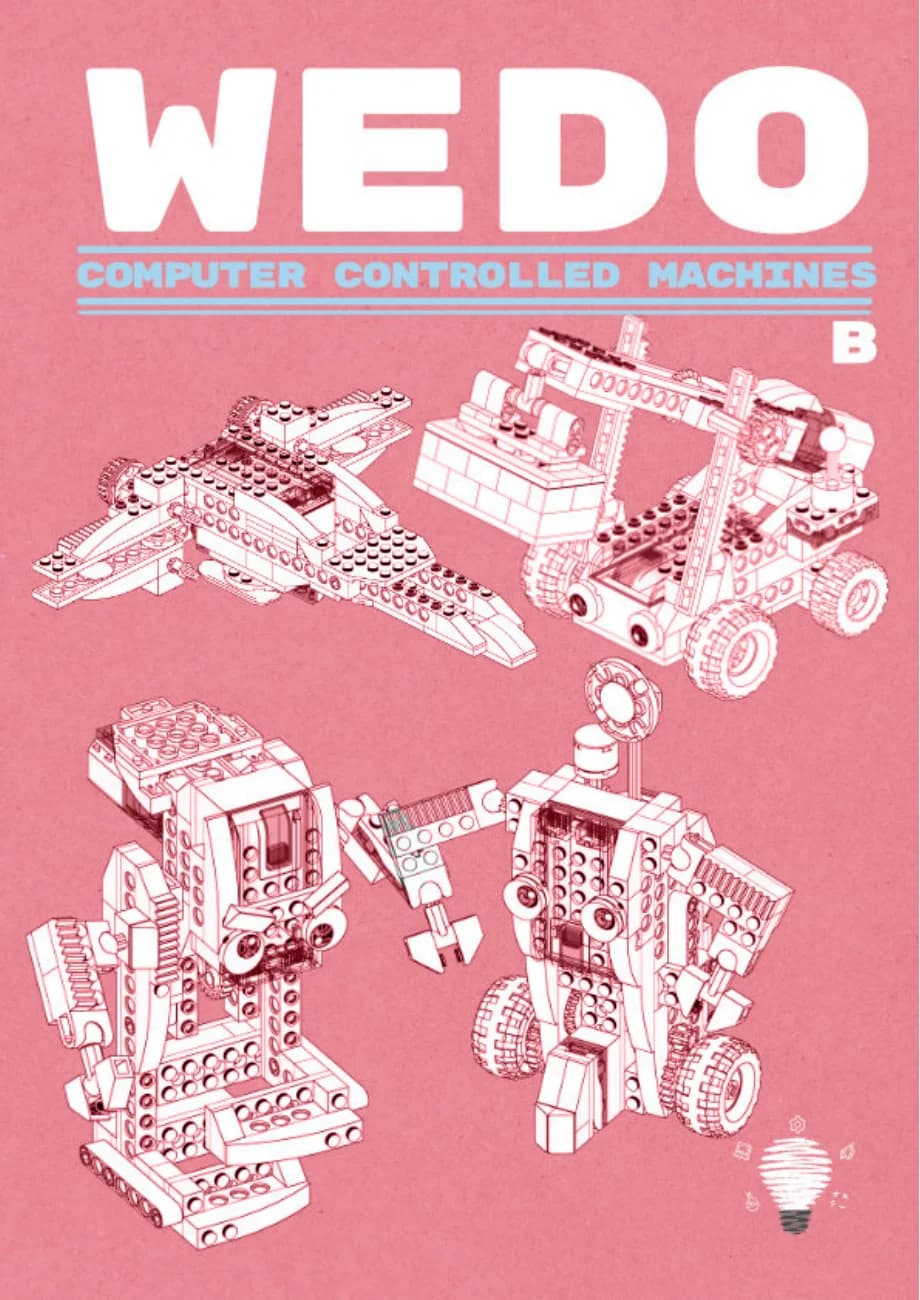
Our two CCM books connect each robot to a human problem, its mechanism and the code that controls it. Students have a place to predict, record and explain—not simply a picture to copy.

Original STEAM SQUAD CCM Book A cover with SmartBot, BusBot, SpeedBot and FlyBot
Book A · SmartBot to FlyBot
Original STEAM SQUAD CCM Book B cover with LiftBot, SpaceBot, SciBot and FootBot
Book B · LiftBot to FootBot
An actual SmartBot workbook page explaining start, speed, direction, stop and wait blocks
Look inside · the real SmartBot coding page ↗

BRICKSTEP / SMARTBOT

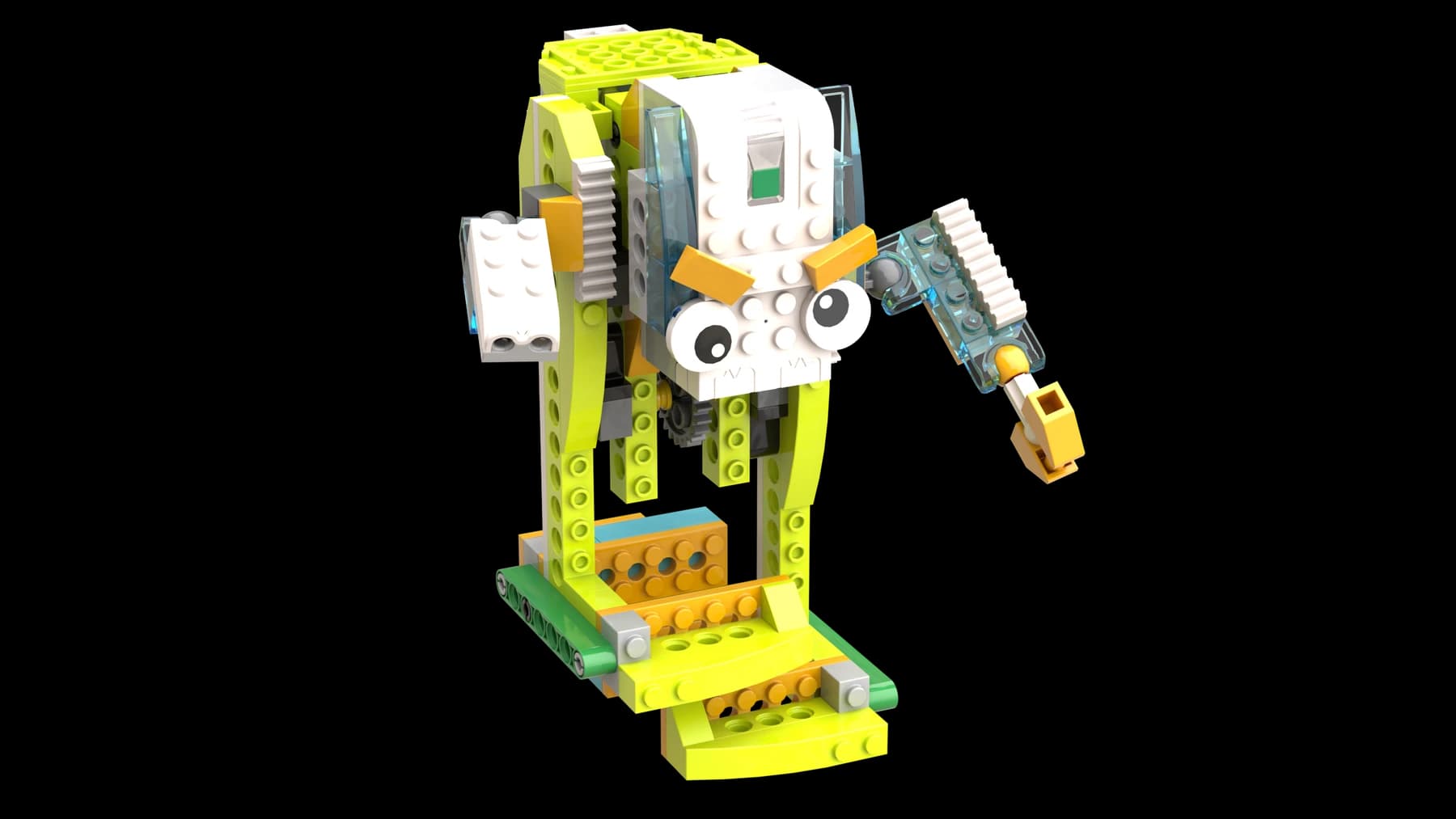
Inspect the robot before you build it.

Turn SmartBot around. Find its wheels, gears and claw. Follow the build step by step in our own 3D instruction viewer—the same kind of visual support children use as they become more independent builders.

STEAM SQUAD / BrickStepInteractive building instructions

Programme / 08 missions

Eight robots. Eight reasons to make the machine think.

Each mission is a four-lesson system: investigate the brief, construct the mechanism, code the behaviour, then test and improve the result.

  1. Mission / 0101 / 08

    SmartBot
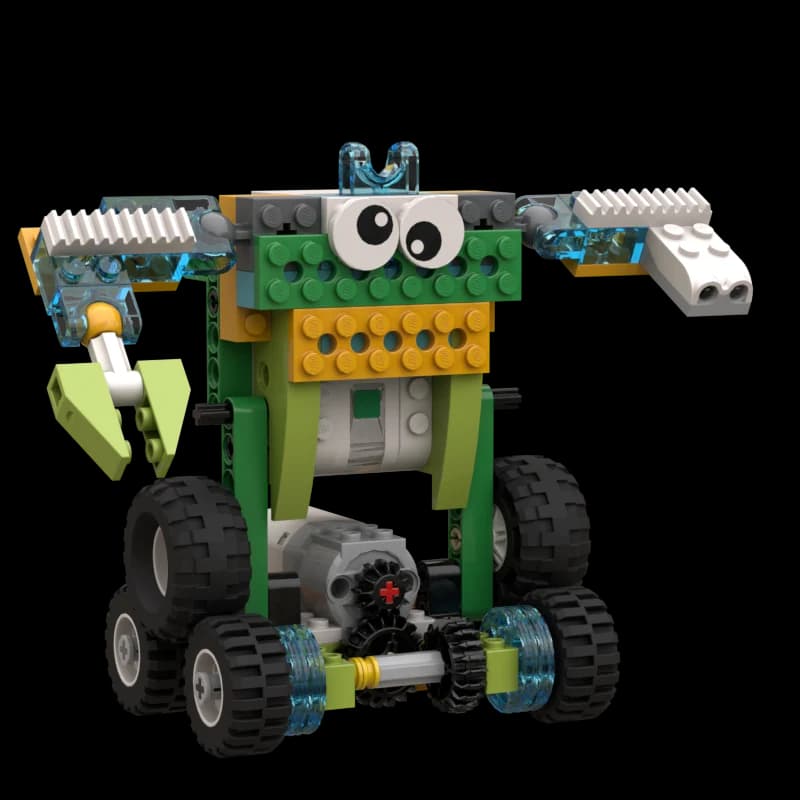
    Original LEGO 45300 SmartBot course model45300 / SmartBot
    Mission brief

    Bob, an elderly inventor, needs a home helper that can move safely around people, furniture and everyday jobs.

    Mechanism
    Bevel gears · wheels · articulated arms · claw
    Sensor / input
    Infrared distance sensing
    Code / logic
    Motor sequences + collision avoidance
    Four connected lessons4 × connected
    1. 1Investigate how robots can help at home
    2. 2Build a mobile helper with a working claw
    3. 3Sense an obstacle, decide, then move
    4. 4Tune safe movement and explain the system
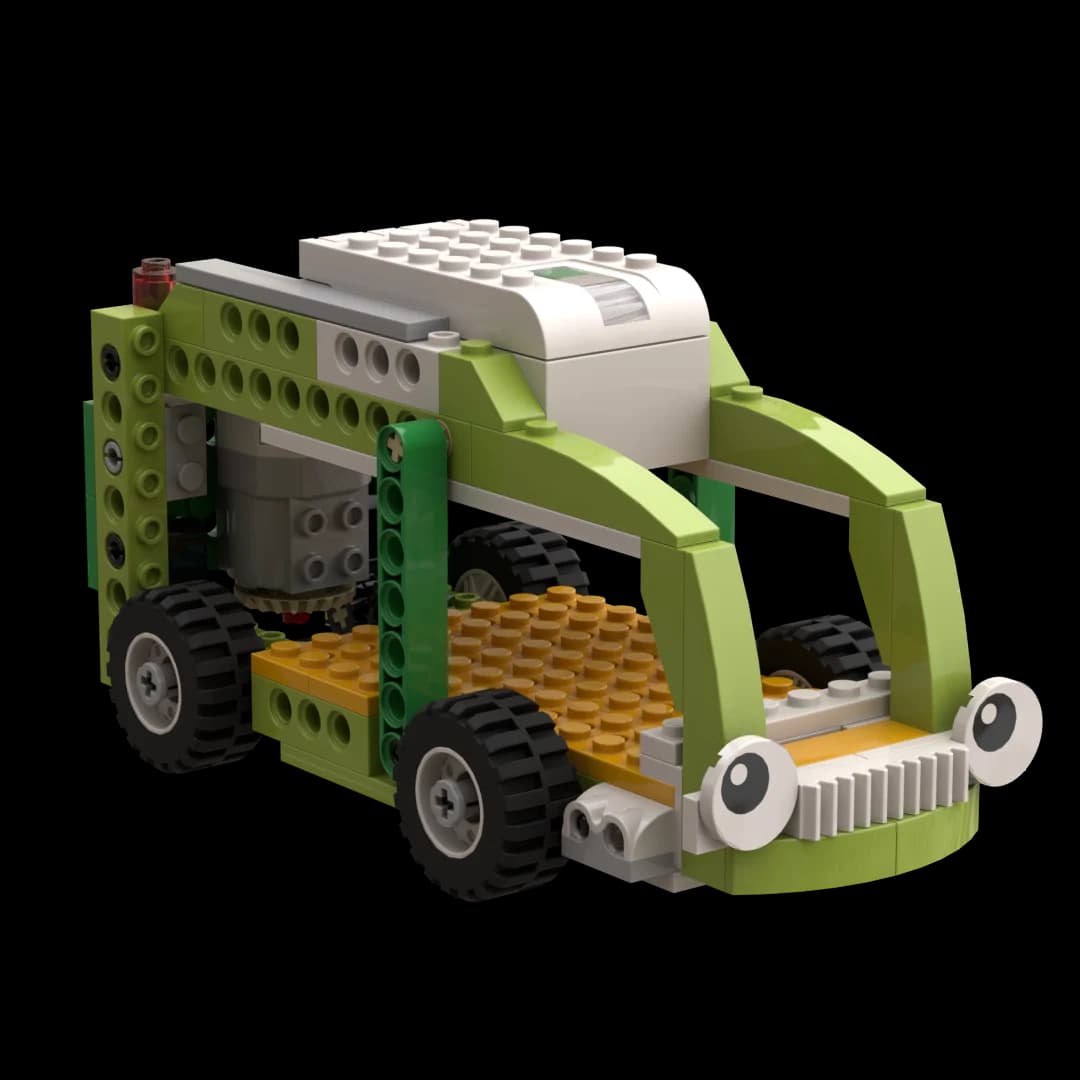
  2. Mission / 0202 / 08

    BusBot

    Original LEGO 45300 BusBot course model45300 / BusBot
    Mission brief

    A busy city needs public transport that can recognise a stop, wait for passengers and continue its route.

    Mechanism
    Bevel gears · idler gear · driven wheels
    Sensor / input
    Infrared stop detection
    Code / logic
    Conditions + a repeating route loop
    Four connected lessons4 × connected
    1. 1Explore congestion and smarter public transport
    2. 2Build the drive system and give the bus ‘eyes’
    3. 3Code stop, wait and continue decisions
    4. 4Test a reliable route and improve the timing
  3. Mission / 0303 / 08

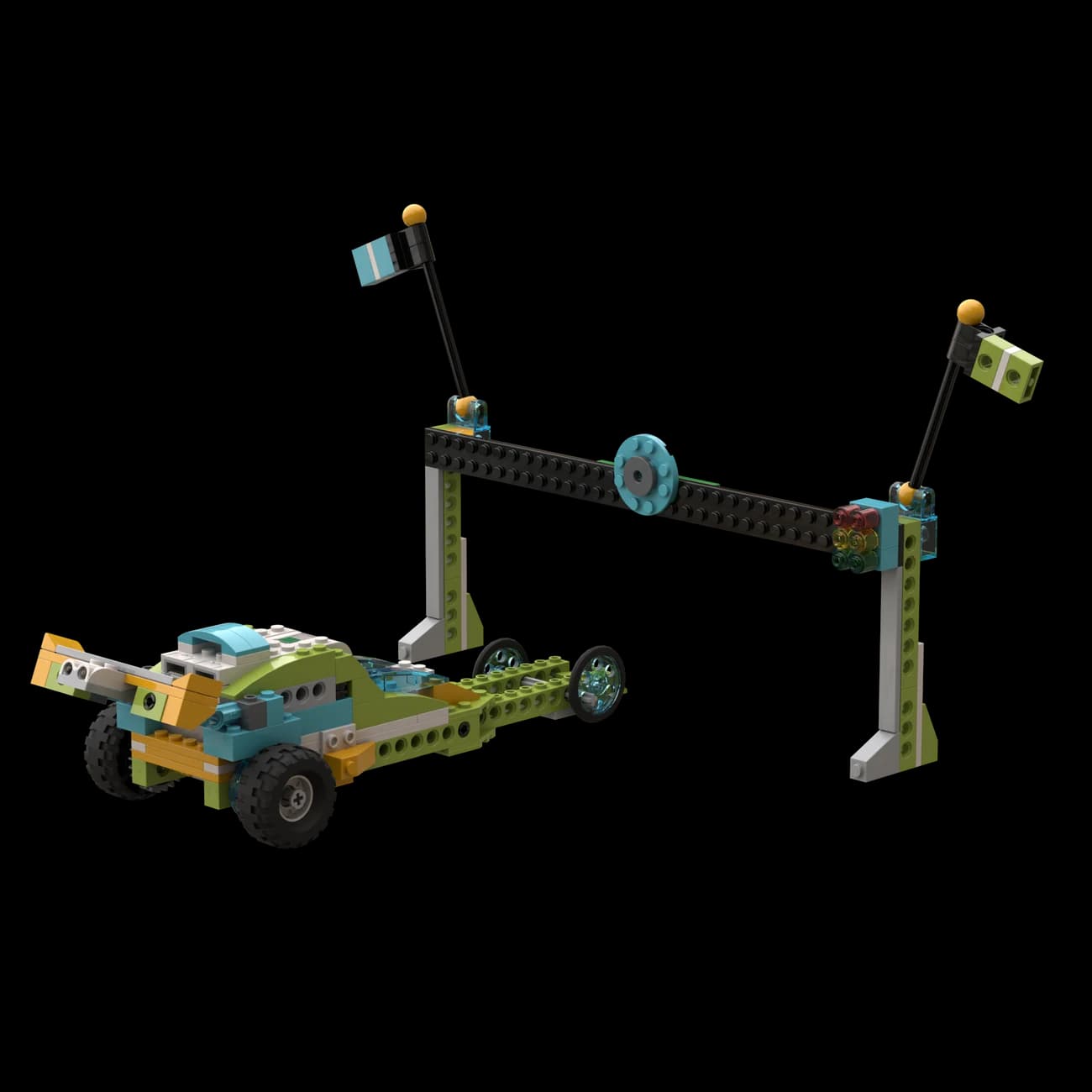
    SpeedBot

    Original LEGO 45300 SpeedBot course model45300 / SpeedBot
    Mission brief

    Drag racer Hannah needs a computer-controlled start and a machine tuned for speed, grip and clean acceleration.

    Mechanism
    Gear choices · wheel drive · aerodynamic form
    Sensor / input
    Infrared start and finish gates
    Code / logic
    Variables + a sensor-triggered race counter
    Four connected lessons4 × connected
    1. 1Investigate acceleration and racing design
    2. 2Build and compare different drive choices
    3. 3Use a variable and a sensor to count through a race
    4. 4Change one factor, retest and defend the fastest design
  4. Mission / 0404 / 08

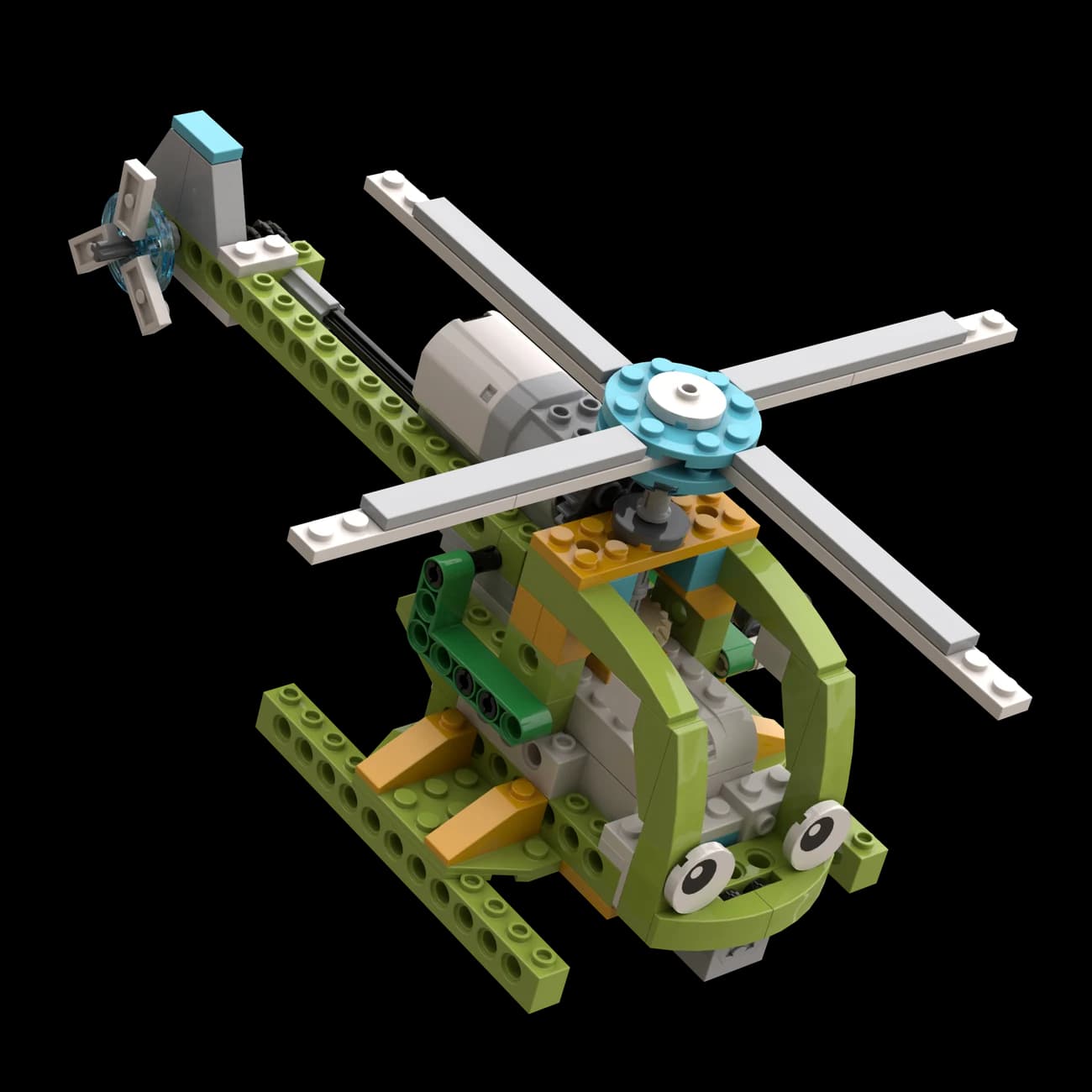
    FlyBot

    Original LEGO 45300 FlyBot course model45300 / FlyBot
    Mission brief

    Rescue pilot Ryan needs a helicopter that can react to its orientation while one motor powers two essential rotors.

    Mechanism
    Split bevel drive · main rotor · tail rotor
    Sensor / input
    Tilt and orientation input
    Code / logic
    Sensor conditions + responsive motor speed
    Four connected lessons4 × connected
    1. 1Explore rotor lift, torque and rescue flight
    2. 2Build one drive system for two rotors
    3. 3Code a response to changing orientation
    4. 4Run the rescue mission and add a useful improvement
  5. Mission / 0505 / 08

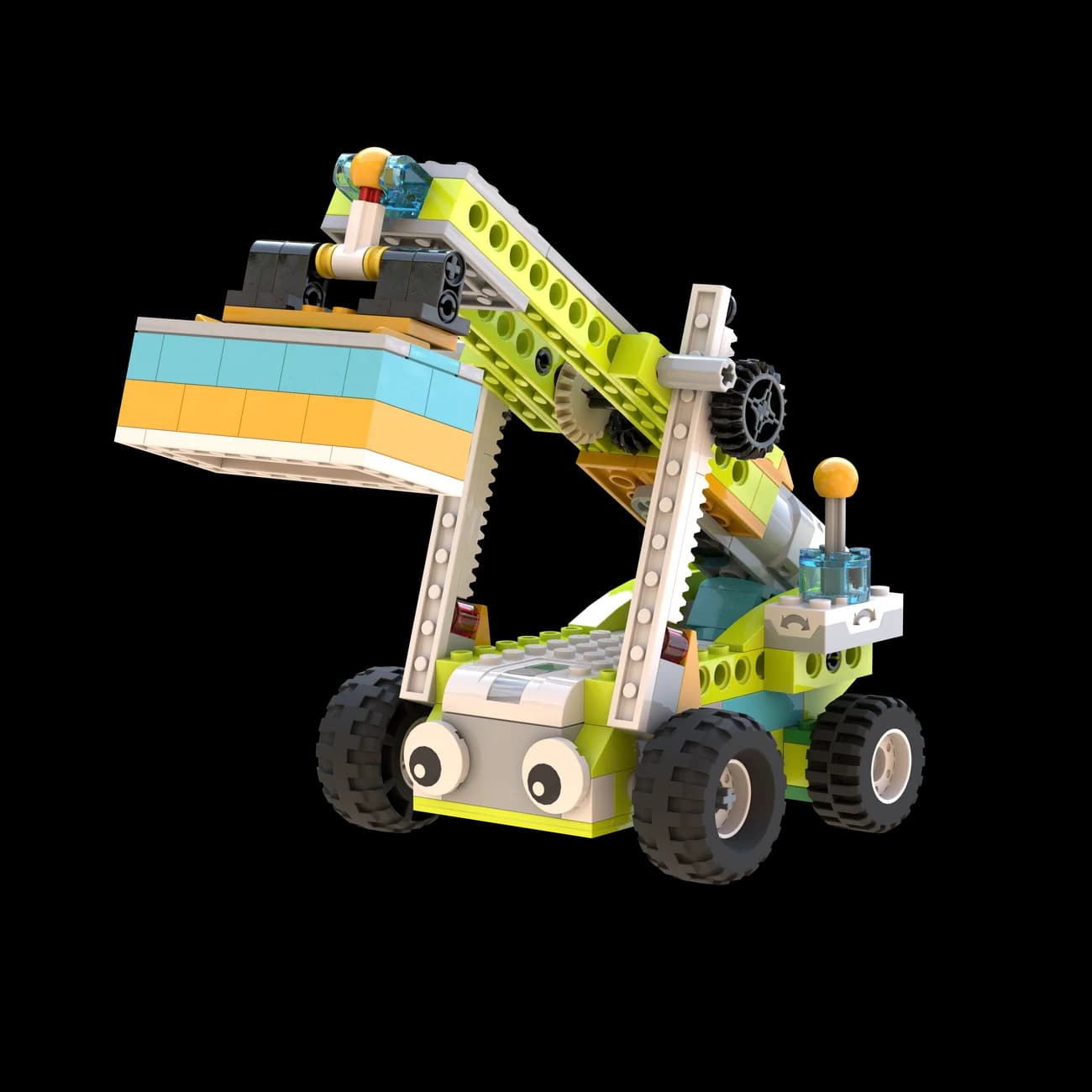
    LiftBot

    Original LEGO 45300 LiftBot course model45300 / LiftBot
    Mission brief

    Dockworker Kirk needs a reach stacker that can lift and place cargo efficiently without sacrificing control or safety.

    Mechanism
    Rack-and-pinion lift · bevel gears · lever
    Sensor / input
    Tilt control input
    Code / logic
    Continuous listen loop + lift / lower / stop
    Four connected lessons4 × connected
    1. 1Map how cargo moves through a working port
    2. 2Build the reach stacker and lifting mechanism
    3. 3Use tilt input to raise, lower and stop the boom
    4. 4Test cargo handling and add a safety feature
  6. Mission / 0606 / 08

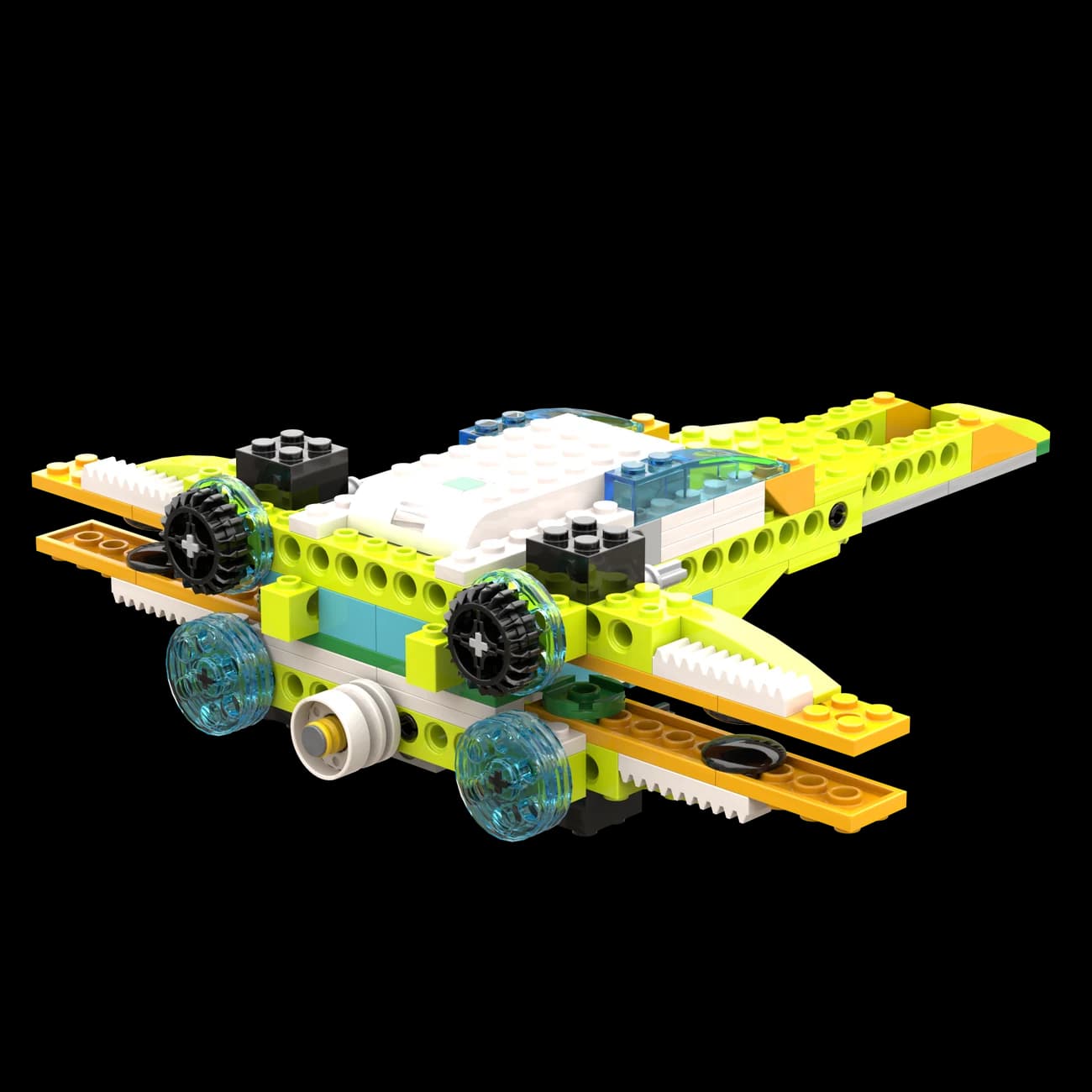
    SpaceBot

    Original LEGO 45300 SpaceBot course model45300 / SpaceBot
    Mission brief

    The mission is to design a reusable spacecraft whose moving wings respond at the right moment in flight.

    Mechanism
    Four pulley belts · linked moving wings
    Sensor / input
    Flight-state or proximity input
    Code / logic
    Written algorithm + looped automation
    Four connected lessons4 × connected
    1. 1Investigate reusable spacecraft and mission needs
    2. 2Build a belt system that moves four wings together
    3. 3Translate a flight sequence into an algorithm
    4. 4Automate, test and improve the complete sequence
  7. Mission / 0707 / 08

    SciBot

    Original LEGO 45300 SciBot course model45300 / SciBot
    Mission brief

    Scientist Dyvee needs a stable robot that can carry hazardous materials through a marked route without putting people at risk.

    Mechanism
    Wide stable base · low load · one-motor steering
    Sensor / input
    Infrared contrast reading
    Code / logic
    If / then decisions + a continuous loop
    Four connected lessons4 × connected
    1. 1Explore robots used in dangerous environments
    2. 2Build for balance, stability and controlled steering
    3. 3Read a black line and decide which way to turn
    4. 4Debug one variable at a time and explain the flowchart
  8. Mission / 0808 / 08

    FootBot

    Original LEGO 45300 FootBot course model45300 / FootBot
    Mission brief

    Charlotte’s final challenge asks whether legs can take a robot where wheels struggle—over uneven ground and changing terrain.

    Mechanism
    Worm gear · paired gears · wide balanced feet
    Sensor / input
    Infrared trigger
    Code / logic
    Loop + variable + sound + light + messages
    Four connected lessons4 × connected
    1. 1Compare animal movement, wheels and walking robots
    2. 2Build a slow, strong and balanced walking mechanism
    3. 3Combine the course’s coding tools into one behaviour
    4. 4Complete, review and present the final robot challenge

Inside one mission / SciBot

A black line becomes a live decision loop.

SciBot reads the contrast beneath its infrared sensor, compares that input with a condition and changes the motor direction. The loop checks again and again—so a simple line becomes a visible model of computational thinking.

  1. 01

    Detect

    Read light or dark

  2. 02

    Decide

    Apply if / then

  3. 03

    Move

    Change direction

  4. 04

    Repeat

    Check the line again

Debugging rule: change one variable, observe the result, then decide what to try next.

What they carry forward

Not just robots. A way to reason about systems.

By the final mission, students can connect a physical cause to a coded decision—and talk through how they know the system works.

  1. 01

    Turn input → decision → output into working behaviour.

  2. 02

    Explain how gears, belts, racks and levers transfer motion.

  3. 03

    Use infrared and tilt sensing with conditions, loops and variables.

  4. 04

    Debug both a physical build and the logic behind it.

  5. 05

    Design for real constraints such as speed, stability, safety and reuse.

  6. 06

    Collaborate and explain engineering decisions in an English-led class.

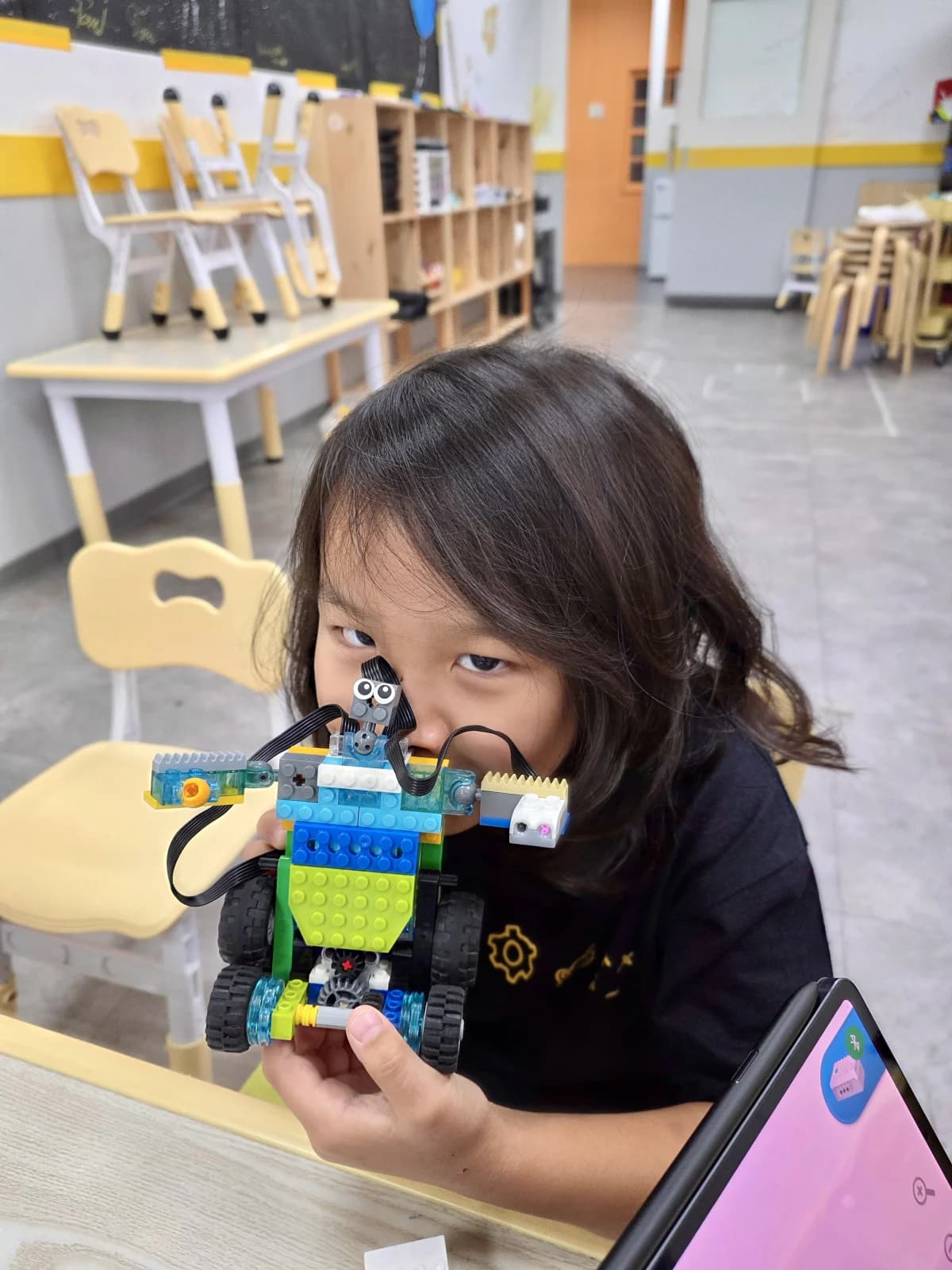
A student proudly holds a customised WeDo 2.0 SmartBot with its motion sensor and geared drive
A real robot. Their own decisions.

Is CCM the right next mission?

A strong fit for a child ready to connect building with code.

CCM is designed around Grade 3 readiness and is usually suitable for ages 8–11. Placement considers each child’s English, experience and confidence—age is a guide, not a gate.

  • They enjoy LEGO building, but now want the model to respond and behave.
  • They can persist when a mechanism or program needs another try.
  • They are curious about how sensors, machines and automation work.
  • They are ready to explain a choice, compare evidence and improve an idea.

Ready for mission one?

Let them build the machine—and understand the thinking inside it.

A friendly trial lets your child meet the classroom, the teacher and the CCM way of working before you decide.Build and code a robot with purpose