
Choose the rules.
Build a quiz or recommendation tool. Decide what should happen for each input, then check whether the program follows those rules.
Python Foundations · Ages 9–12
Games, stories and useful little tools—written by your child. Learn Python through guided projects, test ideas and explain how the code works.
TRY A TINY MISSION MAKER
Predict the sentence. Run it. Then change one thing.
1hero = "robot"
2place = "Moon"
3print("The " + hero
4      + " explores the "
5 + place)What do you think this program will say?
A simplified interactive example of our Unit 2 story project. In class, children write their own Python and choose at least five inputs.
Currently scheduled
Saturday 10:45–12:15
Starts 17 October 2026.
10 students maximum
This is the time for the group scheduled now. We may open new groups, so if this time does not suit your family, please still get in touch.
Ask about this courseWhy learn to code?
A game follows rules. An app works with data. An AI answer needs checking. Coding gives children a practical way to look underneath the screen, ask better questions and turn their own ideas into instructions.
Build a quiz or recommendation tool. Decide what should happen for each input, then check whether the program follows those rules.
Look at an unexpected result, trace it to an instruction, change one thing and run it again. A bug becomes a question they can investigate.
Choose a purpose, build a small working version and let someone else test it. Show which parts of the code make the idea work.
Look inside our course materials
We create the explanations, stories, practice and review around the same learning journey. Here are two real extracts from our Variables and Data materials.
In Café Byte, a robot mixes up words and numbers. Children discuss what went wrong before investigating the data types Python uses.
Readable examples, colour-coded data types and questions connect a story to real Python. Students predict, run and explain what happens.
The complete first-year pathway
Ten units build towards an original program. Browse the projects below; open a unit to see the programming ideas behind it.
What they practise
Hardware, software, binary, algorithms, and debugging.
What they practise
Write first programs with input, output, variables, and clear Python structure.
What they practise
Use data types, calculations, and variables to track what changes in a program.
What they practise
Use comparisons and conditions to make a program choose a sensible path.
What they practise
Organise related data and automate repeated work.
What they practise
Break a larger task into named, reusable, testable jobs.
What they practise
Plan repeatable methods, compare sorting strategies, and test evidence.
What they practise
Compare rule-based programs and machine learning, with responsible testing.
What they practise
Use dictionaries and records to organise information clearly.
What they practise
Plan, build, test, explain, and present an original working program.
THE FINAL PROJECT
The final five lessons take an idea through planning, building, testing and presentation. A text-based program is a complete, valid project. The important part is that the student understands and controls its data and logic.
And when AI can write code?
Children also need to judge the answer. In Unit 8, they compare a bot built with their own rules against a trained agent, investigate failures, and discuss data, privacy and bias. Programming makes those questions concrete.
Unit 8 investigation
The student chooses the conditions and actions.
The student tests examples, finds a failure and considers what to change.
Compare the evidence. Explain the difference.
What happens in a lesson?
A short story, demonstration or physical activity gives the idea a purpose.
Read a small example, make a prediction and compare it with what happens.
Build in small steps, make choices and use results to guide a revision.
Point to the code, describe a fix and name the next thing to practise.
Is this the right starting point?
Designed for Grades 4–6, with no previous Python experience required. A trial helps us understand your child’s confidence with reading, typing and working through a challenge.
Meet your Code Club Foundation teacher
Rianne helps new coders slow a problem down, find what they already know and build confidence one working step at a time.
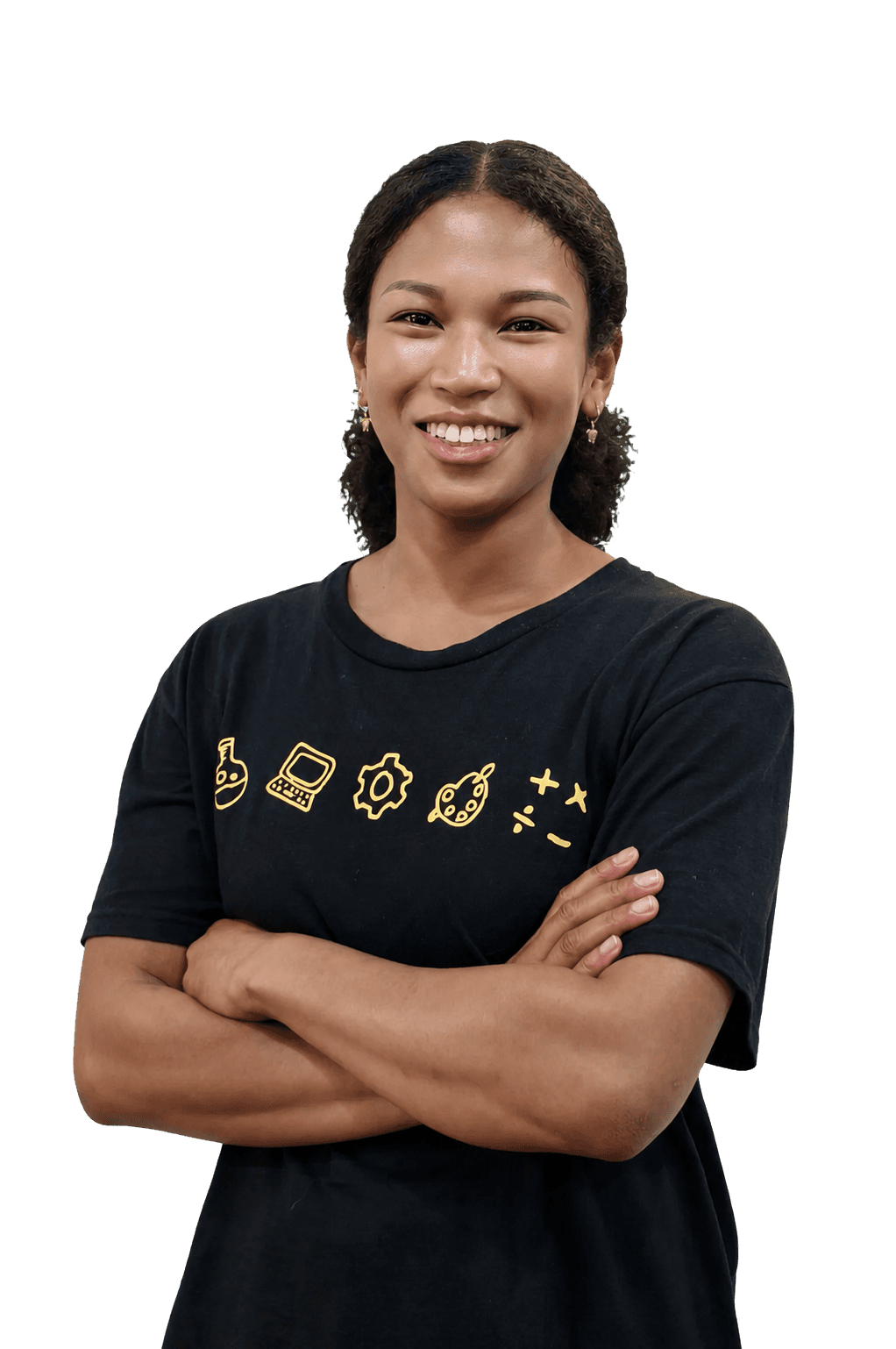
Code Club Foundation teacher
BUILD. TEST. EXPLAIN.
Meet the teacher, try the learning rhythm and take the first step into making with code.
Find a Code Club trial